The Pi is not a server, and that is the whole point
When you read papers, models live in a fantasy world of A100s and unlimited RAM. The Pi 4 has 4GB, a thermal budget that punishes you if you ignore it, and no GPU worth talking about.
Deploying ResNet50 here forces a different mindset — you stop asking 'how accurate can I get?' and start asking 'how accurate can I stay while finishing in under a second?' That single reframing changes every decision downstream.
The upside is that the constraints make you a better engineer. When everything is cheap, sloppy choices do not cost you. When you are on a Pi, every wasted millisecond shows up in the demo. You learn quickly which optimisations actually matter and which ones you were just told mattered.
Quantization is the cheapest win
Going from FP32 to INT8 with TensorFlow Lite cut model size by roughly 4x and gave a meaningful latency drop with almost no accuracy loss. If you take one thing from this post, take that. Quantize first, optimise second.
The gotcha: you cannot just flip a flag. You need a small representative calibration set — a handful of real images from the deployment environment, not from the training set. The first time I tried quantization with random training images, accuracy on the road camera tanked. Recalibrating with frames captured from the actual deployment camera fixed it overnight.
Quantization is one of those topics that sounds intimidating in a paper and turns out to be a Tuesday afternoon's work in practice. The hard part is convincing yourself to try it before you start hand-tuning the model architecture.
Threading the capture loop
If your inference thread also captures and pre-processes frames, your throughput is whatever the slowest of those three things is. Splitting them across threads — capture, pre-process, infer — let the Pi pipeline work like a small assembly line.
The trick is keeping the queue between them shallow. A deep queue gives you smooth throughput and terrible latency, because the model ends up working on stale frames. A queue of size one — drop everything else — gives you the freshest possible input at all times, which is what a real-time system actually wants.
Thermals and clock throttling
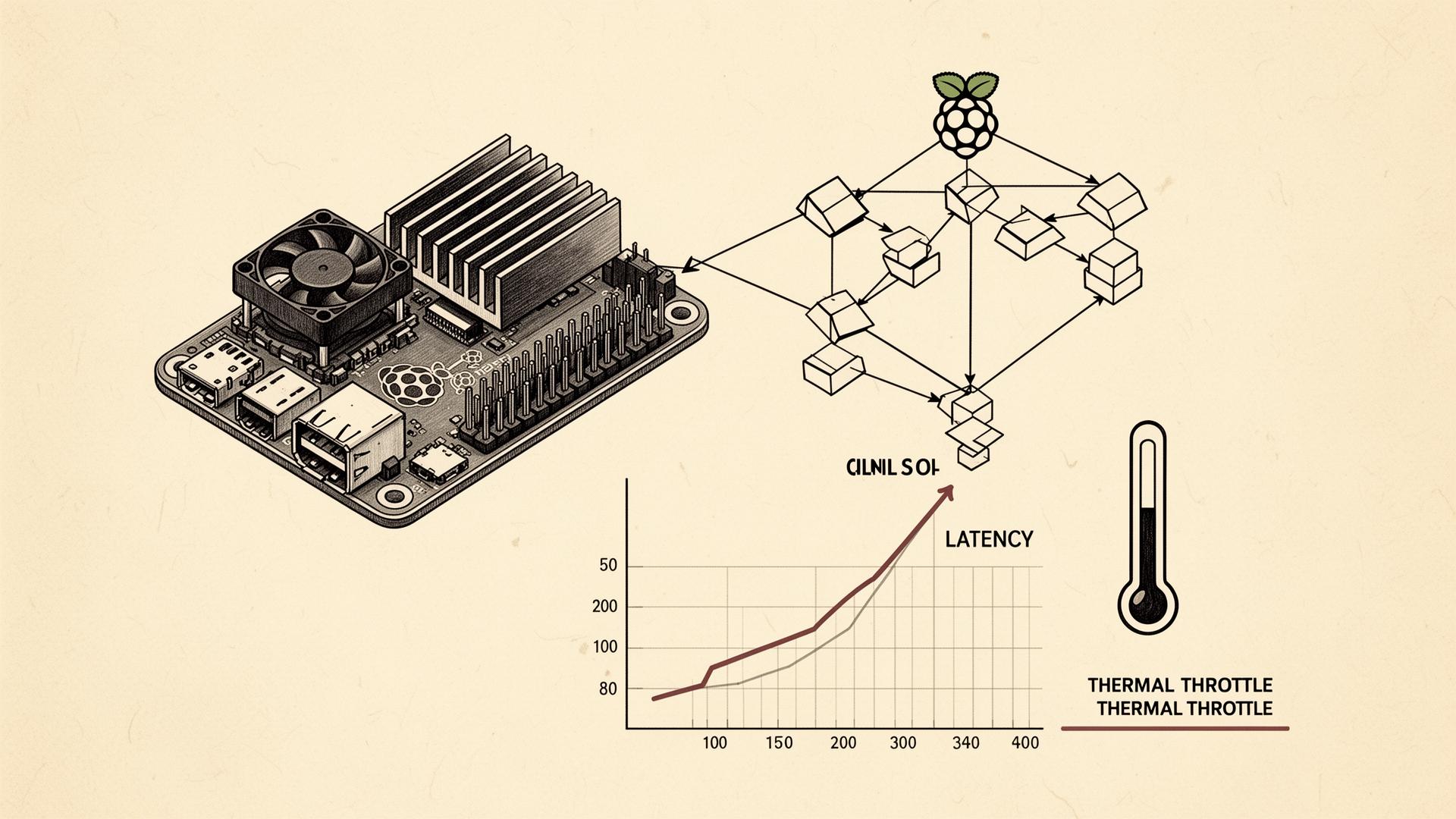
The Pi will silently throttle itself when it gets hot, and ResNet50 in a loop gets it hot. I learned this the embarrassing way — model latency that was rock solid for two minutes started drifting upward and never recovered until I rebooted and added a heatsink.
A ₹150 heatsink with a small fan is not optional for serious edge AI work on the Pi. Treat it as part of the BOM. While you are at it, log CPU temperature to your dashboard. Watching the throttle moment happen in real time will permanently change how you think about deployment.
Latency budgets and honest measurement
I measured latency at three points: camera-to-frame-ready, frame-to-inference-done, inference-to-actuator-fire. Doing it in three slices instead of one was the difference between guessing and knowing. Most of my early 'model is too slow' instincts were wrong — the capture stage was the actual culprit at least half the time.
If you are deploying any model to any edge device, instrument the pipeline before you optimise it. Optimising without measurement is just superstition with a stopwatch.
When ResNet50 is the wrong choice
ResNet50 is heavy for what it does. If I were starting from scratch today, I would benchmark MobileNetV3 and EfficientNet-Lite0 first and only fall back to ResNet50 if accuracy demanded it.
I stuck with ResNet50 here because the project started from a working training pipeline and a labelled dataset that already produced good results. That was the right call for this project. It is not the default for the next one. The right model is the smallest one that hits your accuracy bar — every gram above that is paid for in latency, heat, and battery life.